How to force Sony camera to stay in live preview mode with connected flash trigger?

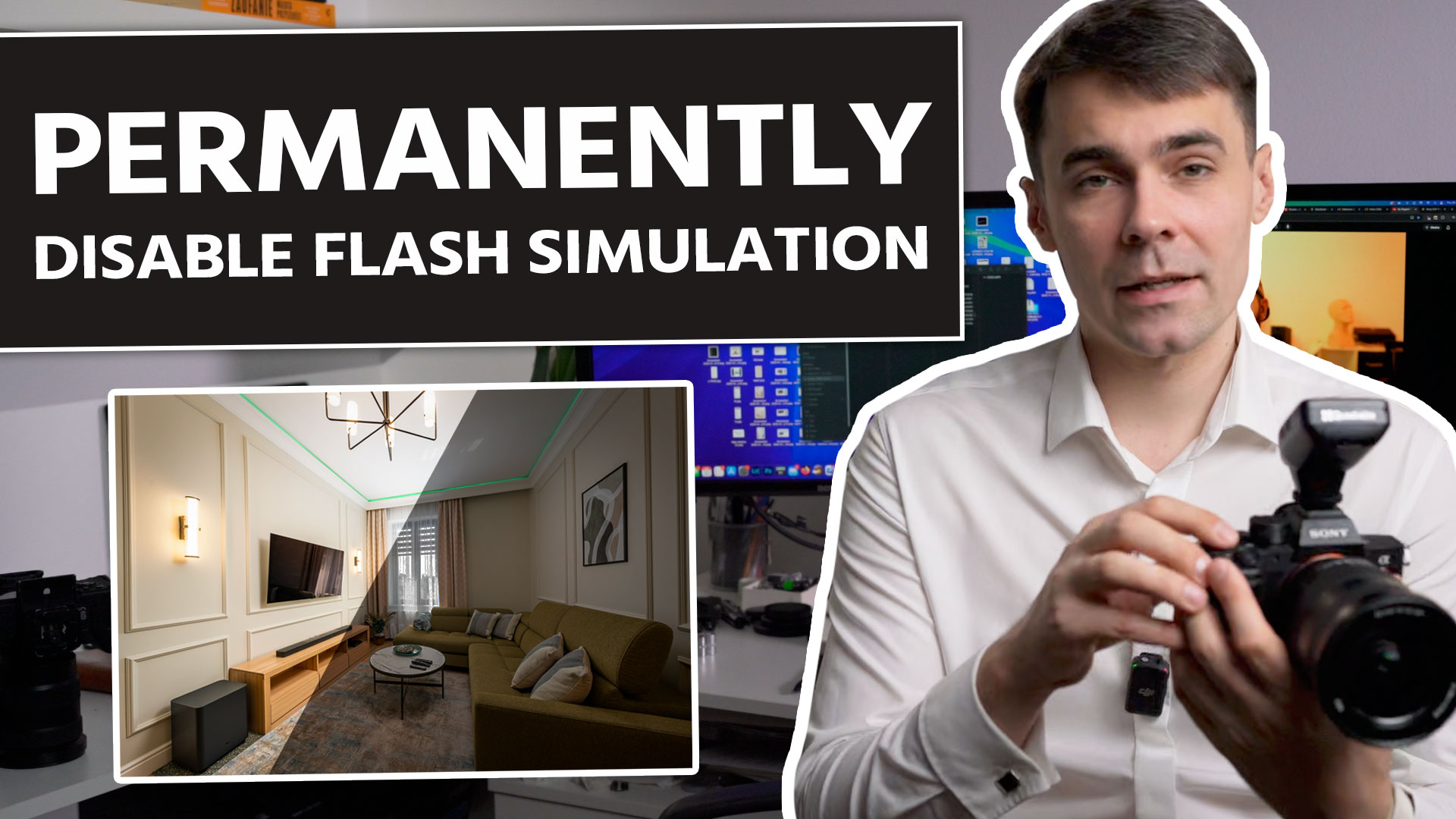
Hi, in this video I will show you how to force sony camera to stay in a live preview ON mode permanently when you have your flash trigger turned on and connected to the camera. When you connect a flash trigger to your sony camera it will disable live preview ON mode and it will start simulating correct exposure. This way you don’t see how camera works when you change settings. There are different ways to overcome this issue. I have learned from @robhallphoto that you can assign a custom button to „Shot result preview” and then you can disable flash simulation but it only works when you hold the button. Also you can simply switch turn on/off button on the flash trigger. But both of these solutions are not very convenient if you often use flash in real estate photography. In my method you need to remove one pin from the trigger hot shoe (you can also block it with tape) and this way your flash trigger will still function the same but the camera will not turn on flash simulation. You don’t need to press custom button with „Shot result preview”. In case if you damage the hot shoe you can buy a replacement here: https://www.aliexpress.com/item/1005005033093599.html
But really it is not that hard to remove the pin and it worked fine at first try in my case.